JPEG vs JPG: What's the Real Difference?
A clear explanation of why JPEG and JPG usually mean the same image format, why both extensions exist, and when the difference matters.
- JPEG and JPG usually refer to the same compressed photo format: image/jpeg.
- The shorter .jpg extension became common because older systems used 8.3 filenames with three-character extensions.
- The difference matters when a form, CMS, script, or workflow checks file extensions strictly.

The short answer
For normal web, camera, and sharing workflows, JPEG and JPG mean the same thing. Both extensions usually point to the same family of compressed photographic image files, served with the same media type: image/jpeg.
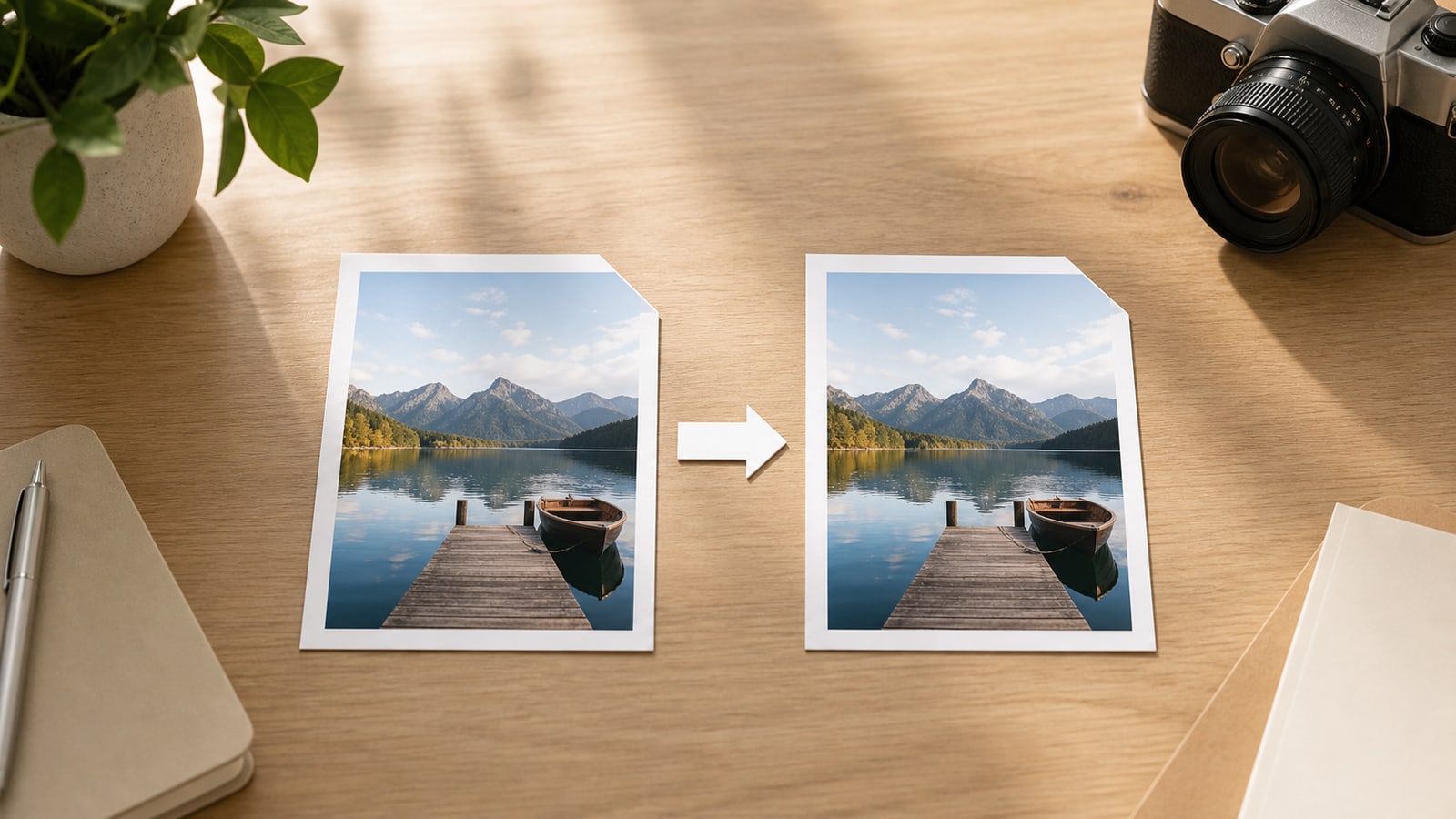
Changing a filename from .jpeg to .jpg does not automatically resize, recompress, improve, or damage the image. It changes the name that software sees. The image data inside the file is usually unchanged.
Why two extensions exist
JPEG is the name of the standard and the expert group behind it: the Joint Photographic Experts Group. The four-letter .jpeg extension is the more direct abbreviation.
The shorter .jpg extension became common because older DOS and Windows file systems used the 8.3 filename pattern: up to eight characters for the name and up to three characters for the extension. A three-character extension fit that world better, so .jpeg became .jpg in many everyday workflows.
Modern operating systems can handle longer extensions, but habits, software defaults, upload forms, and old documentation kept .jpg everywhere. That is why both extensions are still normal today.
What does not change when you rename it
Renaming photo.jpeg to photo.jpg does not convert the image into a different format. It does not change the compression method, pixel dimensions, color profile, metadata, or visual quality by itself.
This distinction matters because many online tools claim to convert JPEG to JPG when the useful action is simply changing the file extension. If your problem is a strict upload field that accepts .jpg but rejects .jpeg, a rename is often enough.
- No automatic quality change
- No automatic file-size reduction
- No automatic metadata cleanup
- No automatic conversion to PNG, WebP, HEIC, or another format
When the difference matters
The difference matters when software looks at the extension instead of reading the image type. Some validators are strict and only allow filenames ending in .jpg. Some CMS plugins, scripts, import tools, and legacy workflows do the same.
It can also matter for team conventions. If every product image, archive, or upload pipeline expects .jpg, using one extension consistently reduces avoidable failures.
- Upload forms that allow .jpg but reject .jpeg
- CMS themes or plugins with extension-specific rules
- Batch scripts that search for *.jpg only
- Asset folders where a team wants one naming convention
The practical rule
If you only need compatibility with a system that expects .jpg, renaming is usually the right fix. If you need smaller files, different quality settings, transparency, animation, or a genuinely different format, use an image editor or converter that re-encodes the image.
In other words: JPEG vs JPG is usually a filename question, not an image-quality question.