Does Converting JPEG to JPG Reduce Quality?
A practical explanation of when changing .jpeg to .jpg is only a filename change and when re-encoding can affect image quality.
- Changing .jpeg to .jpg by renaming the file does not reduce image quality by itself.
- Quality can change if a tool opens the image and saves a newly compressed JPEG file.
- If you only need a .jpg extension for upload compatibility, a rename is usually the safest path.
Quick answer
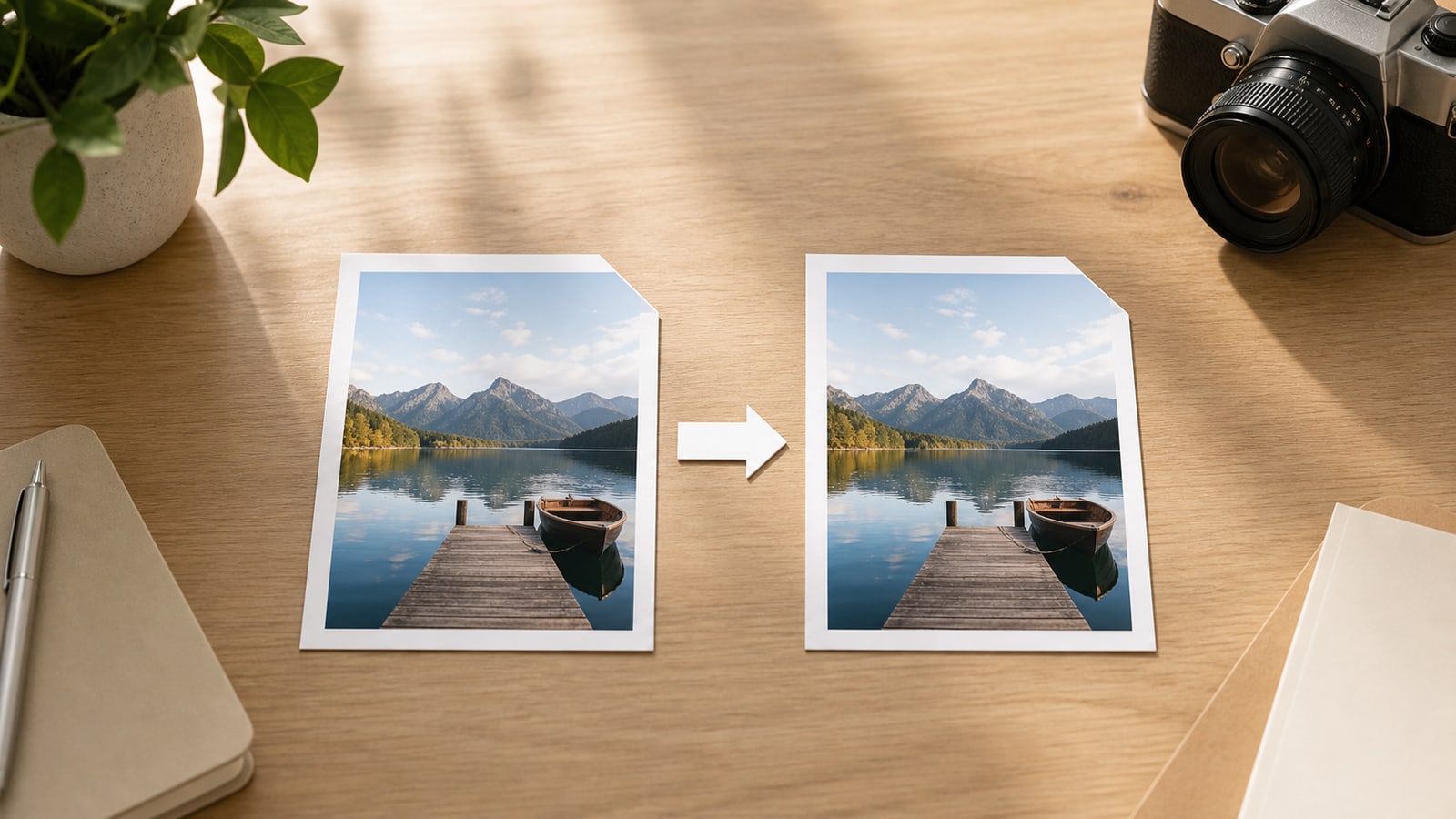
No, converting JPEG to JPG does not automatically reduce quality if the conversion is only an extension change. A file named photo.jpeg and the same file named photo.jpg can contain identical image data. The pixels, compression, metadata, and file size can all remain unchanged.
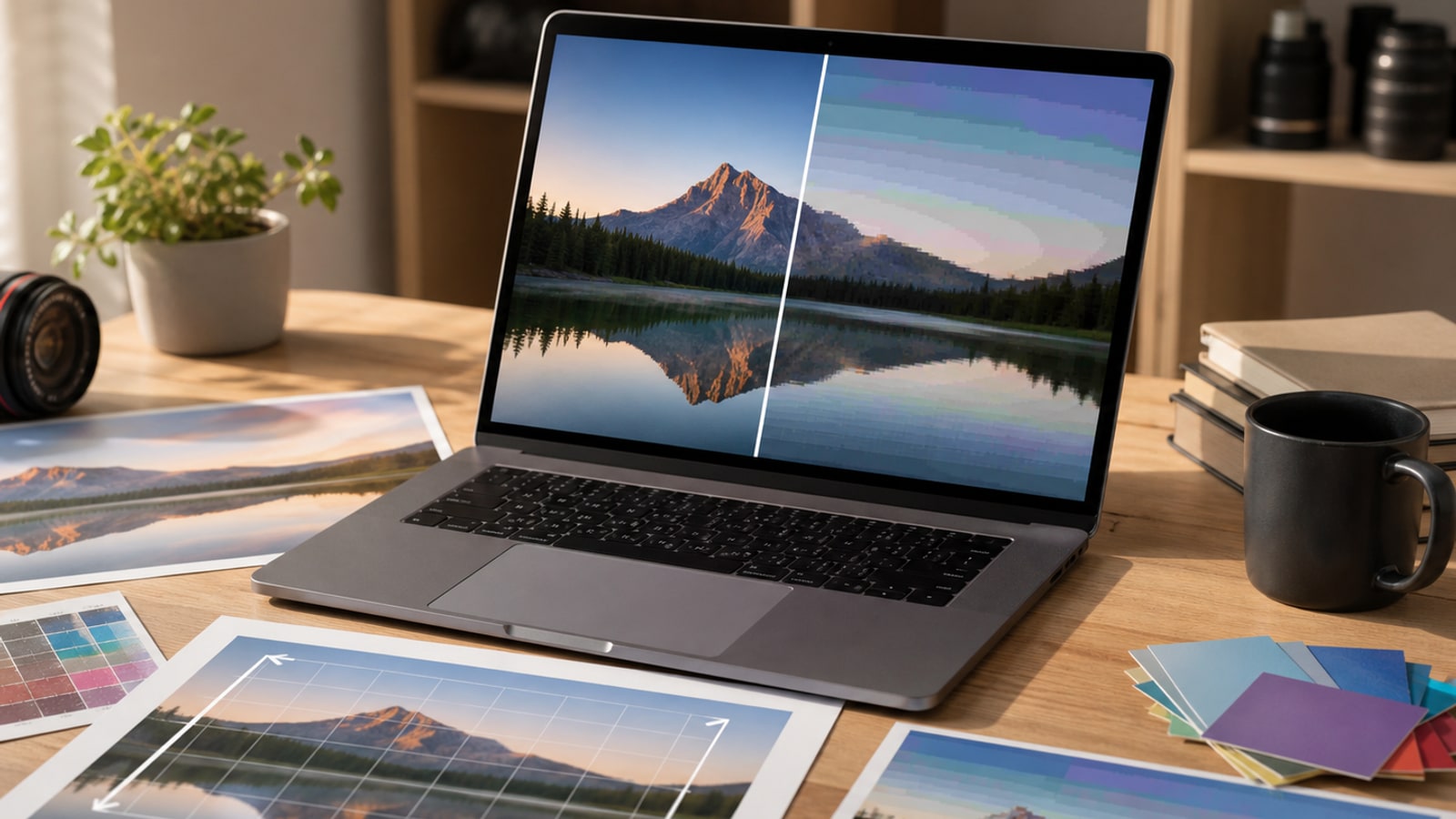
Quality becomes a concern when a converter re-encodes the image. Re-encoding means the tool decodes the JPEG and saves it again as a new JPEG. Because JPEG compression is lossy, that new save may introduce extra compression artifacts or change metadata, even if the filename looks almost the same.
Rename vs re-encode
The confusing part is that many tools use the word convert for two different actions. One action changes the filename extension from .jpeg to .jpg. The other creates a new JPEG file by processing and saving the image again.
Those actions feel similar in a file manager, but they are technically different. A rename is about compatibility with software that expects a three-letter extension. Re-encoding is about creating a new image file, usually with new compression settings.
| Action | What changes | Quality risk |
|---|---|---|
| Rename .jpeg to .jpg | Filename extension only | None by itself |
| Save as JPG in an editor | A new JPEG may be encoded | Possible, depending on quality settings |
| Resize and export as JPG | Pixels and compression both change | Expected, because the image is being changed |
| Online conversion tool | Depends on the tool | Check whether it re-encodes or only renames |
Why .jpg exists at all
JPEG is the name of the image format family and the standards group behind it. The .jpeg extension is the direct abbreviation. The .jpg extension became common because older systems often expected three-character filename extensions, so .jpeg was shortened to .jpg.
Modern systems generally understand both names, and both are normally served as the same media type: image/jpeg. That is why changing the extension is usually a compatibility fix, not an image conversion in the deeper sense.
When re-encoding may matter
Re-encoding is not always bad. If you are intentionally resizing a large photo for the web, exporting a new JPG can be the right move. The problem is accidental re-encoding when all you wanted was a filename that ends in .jpg.
The risk is higher when the tool uses a low quality setting, strips metadata you needed, changes the color profile, or repeatedly saves the same already-compressed image.
- The file size changes a lot even though dimensions stayed the same
- The image now shows blocky edges, banding, or smeared texture
- Metadata or color profile information disappears
- A batch tool applies a default quality setting you did not choose
Safe checklist before uploading
If an upload form rejects .jpeg but accepts .jpg, start with the least destructive option.
- Make a copy of the file if the original matters
- Rename the copy from .jpeg to .jpg
- Confirm the file still opens normally
- Upload the renamed file before trying a full converter
- Use re-encoding only when you also need resizing, compression, or another real image change
FAQ
Is .jpg lower quality than .jpeg? No. The extension alone does not decide quality. Both usually refer to the same JPEG image format.
Can I just rename the file? Usually yes, if the file is already a valid JPEG and the only problem is that a site wants .jpg instead of .jpeg.
Will a converter always damage the image? Not always. Some tools may only rename, and high-quality re-encoding can look fine. The point is to know which action the tool is performing.