The Best Image Format for Photos: JPEG, PNG, WebP, or HEIC?
A broad comparison of popular image formats and when JPEG is still the best choice for photos.
- JPEG is still the safest all-purpose choice for sharing and publishing ordinary photos.
- PNG is usually better for transparency, screenshots, and sharp graphics, not large photo libraries.
- WebP and HEIC can be efficient, but compatibility and workflow support decide whether they are practical.

There is no single best format
The best image format depends on what the image is, where it will be used, and who needs to open it. A product photo for a website, a transparent logo, an iPhone camera original, and a UI screenshot have different needs.
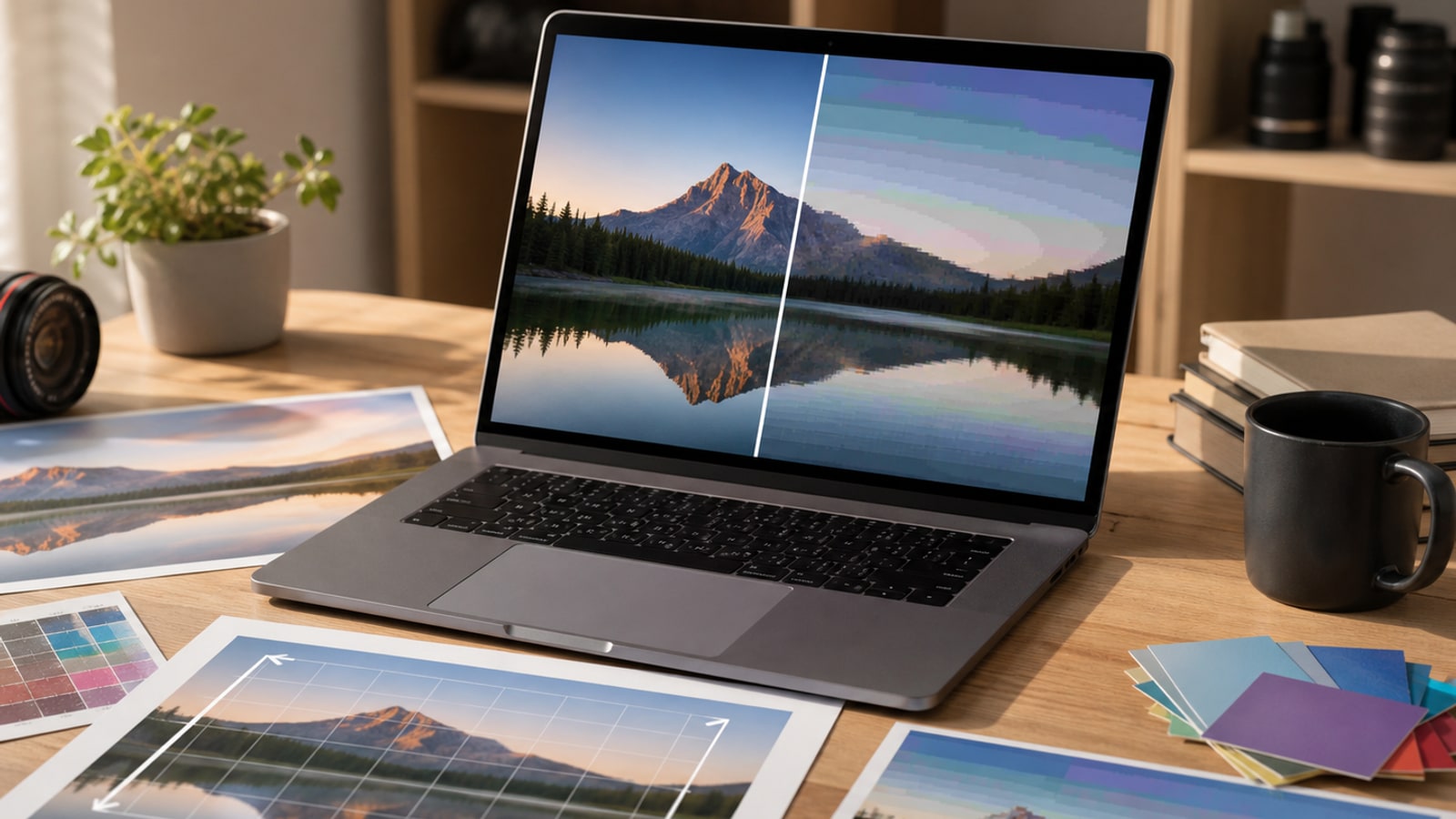
For photos, the main tradeoffs are quality, file size, compatibility, editing workflow, transparency, and long-term portability. JPEG, PNG, WebP, and HEIC each optimize for a different mix of those priorities.
Quick comparison
Use this as a starting point, then adjust for your audience and publishing system.
| Format | Best for | Main advantage | Main limitation |
|---|---|---|---|
| JPEG | Photos and broad sharing | Excellent compatibility | No transparency and lossy re-saves |
| PNG | Transparency, screenshots, graphics | Lossless detail and alpha channel | Large files for photos |
| WebP | Modern web delivery | Smaller files with good quality | Some workflows still need fallbacks |
| HEIC | Mobile capture and storage | Efficient high-quality photos | Less universal outside supported ecosystems |
When JPEG is the best choice
Choose JPEG when the image is a normal photo and it needs to work everywhere. That includes blog images, marketplace photos, email attachments, social previews, form uploads, portfolio exports, and files you expect non-technical people to open.
JPEG is especially practical when compatibility is more important than squeezing out the smallest possible file. It is also a good final delivery format when you export from a high-quality original and do not plan to edit and re-save the same compressed file many times.
- Real-world photos with many colors and gradients
- Files for clients, forms, CMS uploads, and broad sharing
- Fallback images for modern web formats
- Photo libraries where simple compatibility matters
When PNG is better
PNG is a strong choice for images that need transparency or crisp edges. Logos, UI screenshots, diagrams, app captures, and graphics with text often look cleaner as PNG because PNG is lossless.
The tradeoff is size. For large photographic images, PNG files can be much bigger than JPEG with little visible benefit. That makes PNG a poor default for photo-heavy pages unless you need a specific PNG feature.
When WebP is better
WebP is often excellent for websites. It can produce smaller photo files than JPEG at similar visual quality, and it also supports transparency. For modern browsers, WebP can be a smart delivery format.
The practical question is not only browser support. It is also whether your CMS, email tool, marketplace, analytics previews, image CDN, and users all handle WebP cleanly. If not, keep JPEG as a fallback or as the source-of-truth export.
When HEIC is better
HEIC is common in modern mobile capture workflows and can store high-quality photos efficiently. It is useful when the capture device, editing app, and storage system all support it.
The problem is portability. If you are sending images to a website, form, client, printer, or older application, HEIC may need conversion first. For public sharing, JPEG is still the lower-friction option.
A practical decision rule
For everyday photos, start with JPEG unless you have a reason not to. Use PNG when transparency or exact graphic detail matters. Use WebP when you control web delivery and can handle fallbacks. Use HEIC when your capture and editing workflow supports it and the recipient does not need universal compatibility.
That rule keeps the decision simple: choose the format based on the next place the image has to work, not only on compression theory.